Printable paper
Printable 180° and 360° protractors
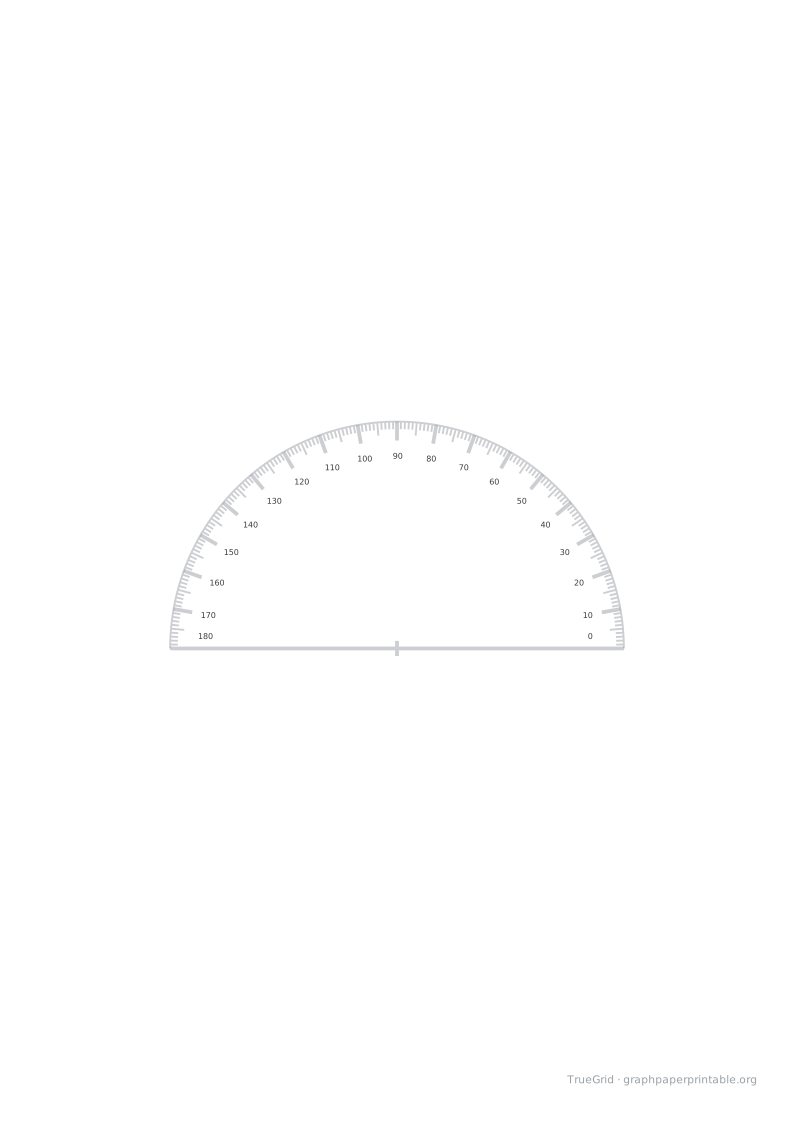
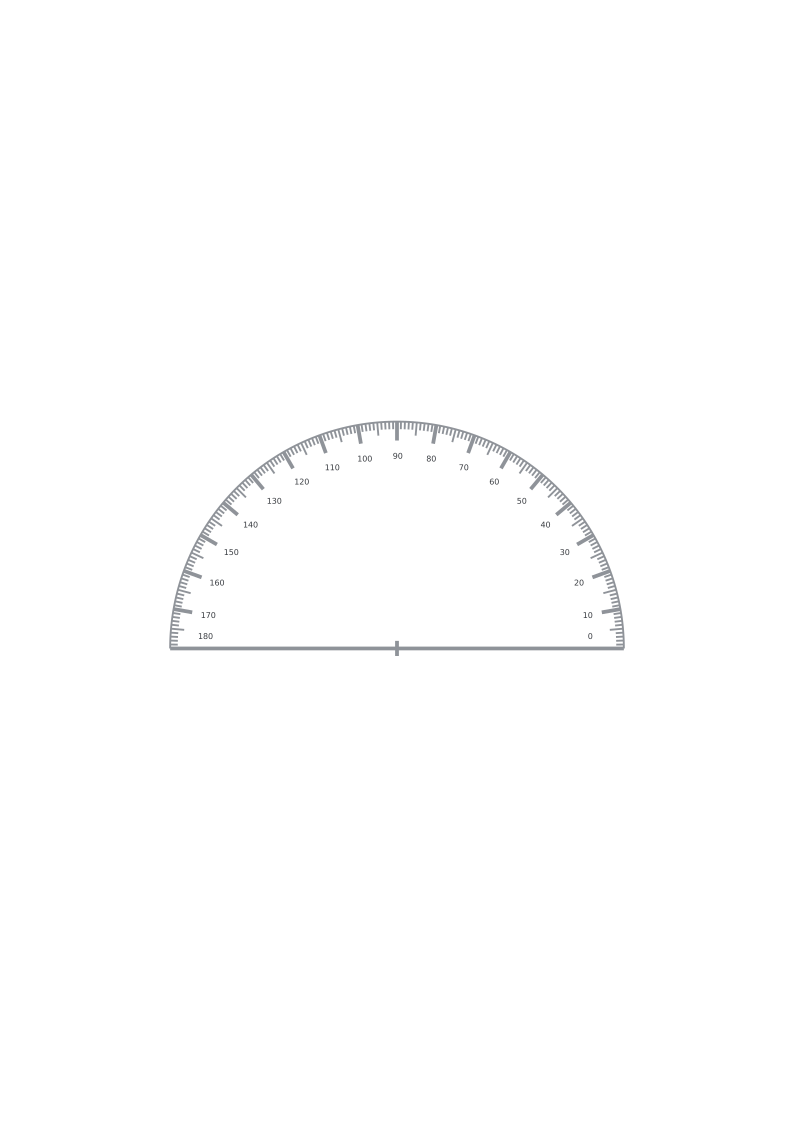
Printable 180° and 360° protractors with 1° ticks.
Specification
| Paper | A4 · 210 × 297 mm |
|---|---|
| Template | 180° · 60 mm radius |
| Radius (mm) | 60 |
| Drawable area | 190 × 273 mm |
| Margins | L 10 · R 10 · T 10 · B 14 mm |
| File | PDF · vector · 13 KB · no watermark on the grid |
Aligning the protractor
Place the centre cross at the vertex and align the horizontal baseline with the first ray. Zero is at the right-hand end; angles increase counterclockwise. Read the second ray against the scale. The full-circle version continues through 270 degrees below the centre.
Ticks appear every degree, with longer ticks every five and ten degrees. Labels appear every ten degrees at the default radius. When you choose a radius below 40 mm, labels appear every 30 degrees to keep them readable.
Printing and checking
The generator supports radii from 20 to 90 mm and blocks settings that exceed the printable region. Print at 100% / Actual size and check the 100 mm ruler before measuring. Cut outside the outer arc without removing the centre cross.
The digital geometry is checked separately from physical output. Printer scaling, paper movement and cutting can affect measurements; this template does not guarantee the accuracy of your printer.
Print at actual size
1Choose the matching paper size.
2Set 100%, not “Fit to page”.
3Measure the 100 mm check line.
Save and print on your device
Desktop
Open the PDF, choose Print in your PDF reader, select the matching paper size and 100% / Actual size.
iOS / iPadOS
Open PDF → Share → Save to Files. To print, use Share → Print; available controls depend on the app and printer.
Android
Open or download the PDF, then choose Menu → Print in your PDF reader. Check paper size and scaling.
Other devices
Save and open the PDF in a PDF reader. Disable automatic fitting and measure the calibration ruler.
A download click does not confirm that the file was saved or printed. Print calibration
Questions
How do I print at the intended size?
Match the PDF and printer paper size, choose 100% / Actual size, and disable Fit to page. Use a check edition and measure the 100 mm ruler before use.
Can I change the layout?
Choose Customize this paper to carry the selected template into the generator. Preview the changes before generating your PDF.