Printable paper
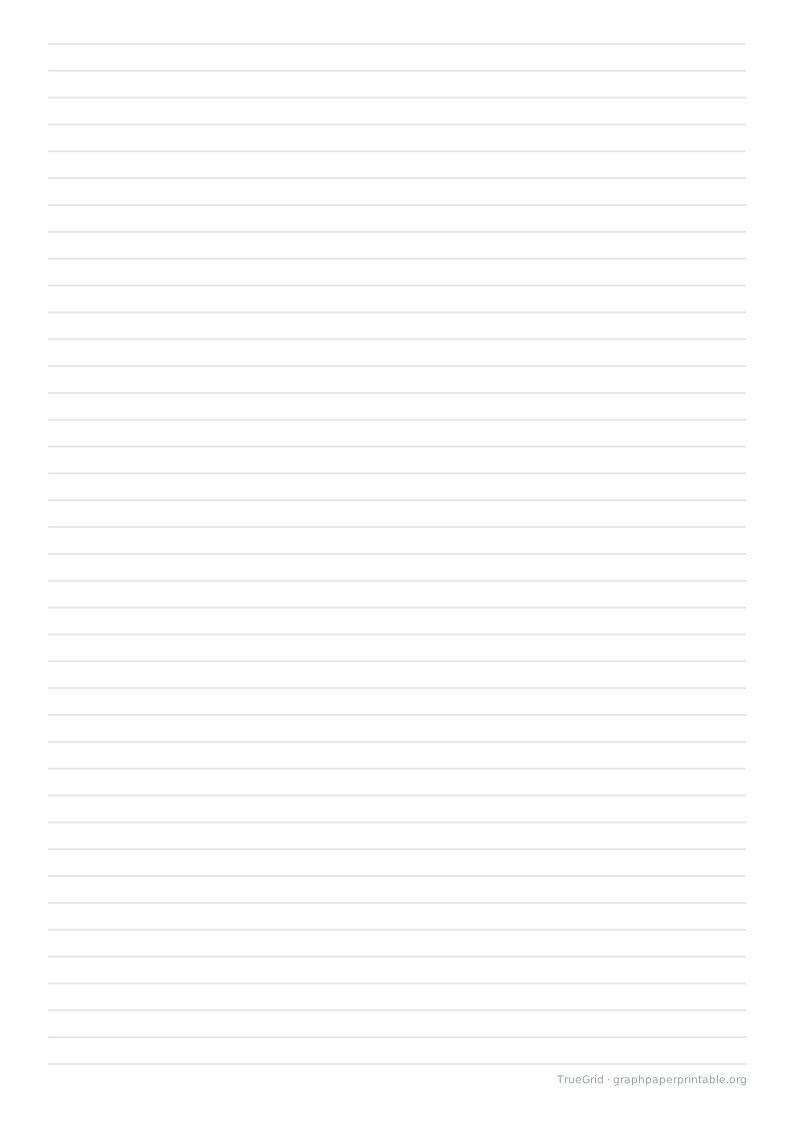
Printable lined paper
Ruled writing paper in wide, college and narrow spacing.
Specification
| Paper | A4 · 210 × 297 mm |
|---|---|
| Grid spacing | 7.1 mm |
| Drawable area | 184.6 × 269.8 mm |
| Margins | L 12.7 · R 12.7 · T 11.6 · B 15.6 mm |
| File | PDF · vector · 2 KB · no watermark on the grid |
Choosing this paper
Wide spacing leaves more room for large handwriting. College spacing balances writing space with line count, while narrow spacing suits compact notes. These templates use the stated metric spacing; school-specific requirements may differ.
Print at actual size
1Choose the matching paper size.
2Set 100%, not “Fit to page”.
3Measure the 100 mm check line.
Save and print on your device
Desktop
Open the PDF, choose Print in your PDF reader, select the matching paper size and 100% / Actual size.
iOS / iPadOS
Open PDF → Share → Save to Files. To print, use Share → Print; available controls depend on the app and printer.
Android
Open or download the PDF, then choose Menu → Print in your PDF reader. Check paper size and scaling.
Other devices
Save and open the PDF in a PDF reader. Disable automatic fitting and measure the calibration ruler.
A download click does not confirm that the file was saved or printed. Print calibration
Questions
How do I keep the printed size correct?
Choose the matching paper size in your PDF viewer and print at 100% / Actual size. Disable Fit to page. Use the calibration ruler edition to measure a 100 mm reference before using the sheet.
Can I customize this template?
Yes. Choose Customize this paper beside the download to carry the current paper size, orientation, spacing and colour into the generator.