Printable hex paper
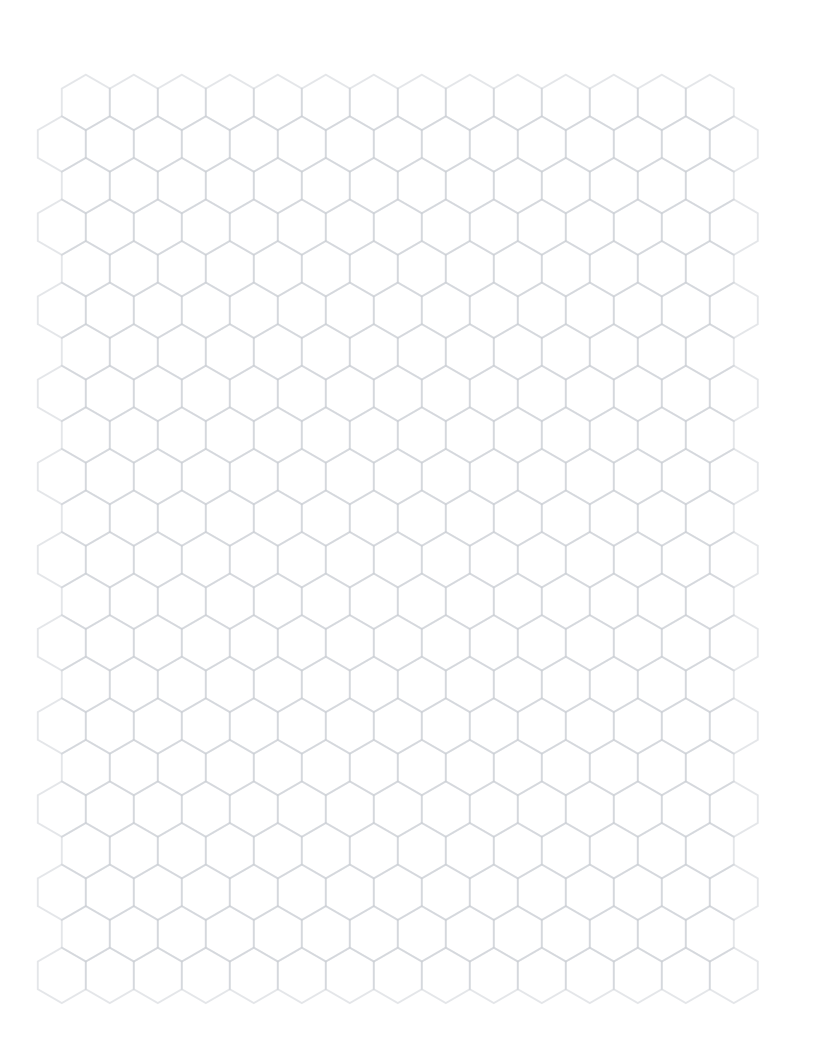
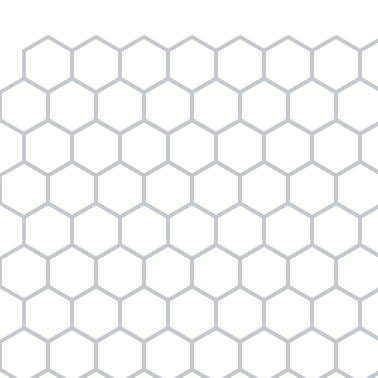
Pointy- or flat-top hexagons for maps, games and diagrams.
Specification
| Paper | Letter · 215.9 × 279.4 mm |
|---|---|
| Grid spacing | 12.7 mm |
| Drawable area | 195.9 × 255.4 mm |
| Margins | L 10 · R 10 · T 10 · B 14 mm |
| File | PDF · vector · 15 KB · no watermark on the grid |
Choose orientation and size separately
Pointy and flat describe which part of each hexagon faces upward. Paper portrait or landscape is a separate choice.
The size is measured across opposite parallel sides. Only complete hexagons are placed inside the drawing area.
Print at actual size
1Choose the matching paper size.
2Set 100%, not “Fit to page”.
3Measure the 100 mm check line.
Save and print on your device
Desktop
Open the PDF, choose Print in your PDF reader, select the matching paper size and 100% / Actual size.
iOS / iPadOS
Open PDF → Share → Save to Files. To print, use Share → Print; available controls depend on the app and printer.
Android
Open or download the PDF, then choose Menu → Print in your PDF reader. Check paper size and scaling.
Other devices
Save and open the PDF in a PDF reader. Disable automatic fitting and measure the calibration ruler.
A download click does not confirm that the file was saved or printed. Print calibration
Questions
What does across flats mean?
It is the shortest distance between two opposite, parallel sides of a regular hexagon.
Does pointy top mean portrait paper?
No. Hex orientation and paper orientation are independent controls.
Why is Letter the default?
It is a useful starting combination for the half-inch across-flats design; A4 and landscape versions remain available.